From KPIs to Strategic Decisions
A complete business overview that helps clinic owners make data-driven decisions every day.
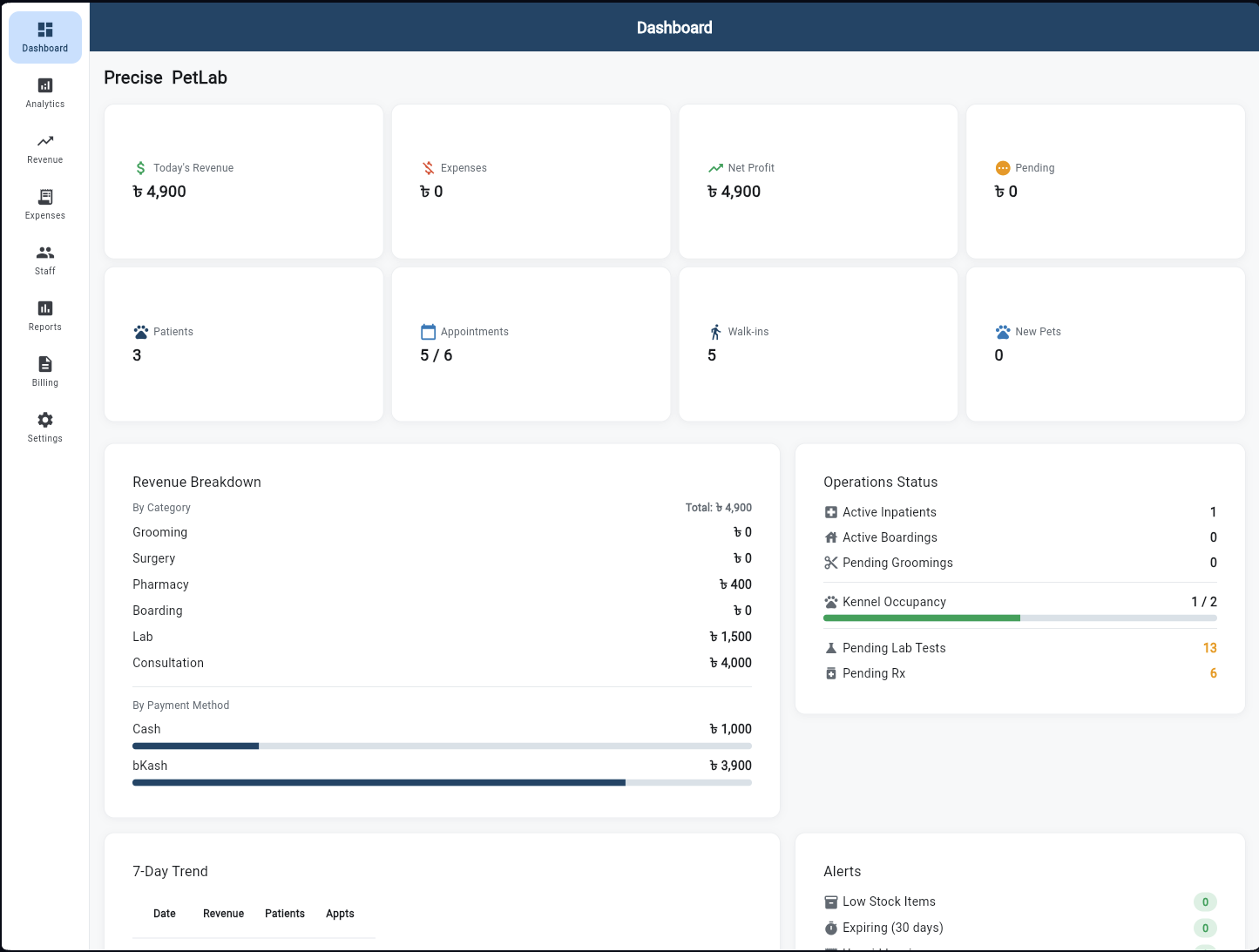
Owner Dashboard
The owner's command centre. Eight KPI cards display today's key numbers — Revenue Collected, Total Expenses, Net Profit, Pending Invoices, Patients Seen, Appointments, Walk-ins, and New Pets. A Revenue Breakdown by payment method (Cash, Card, Mobile Banking), a 7-Day Trend chart, and an Operations Status summary give an instant clinic health read every morning.
Revenue Analytics
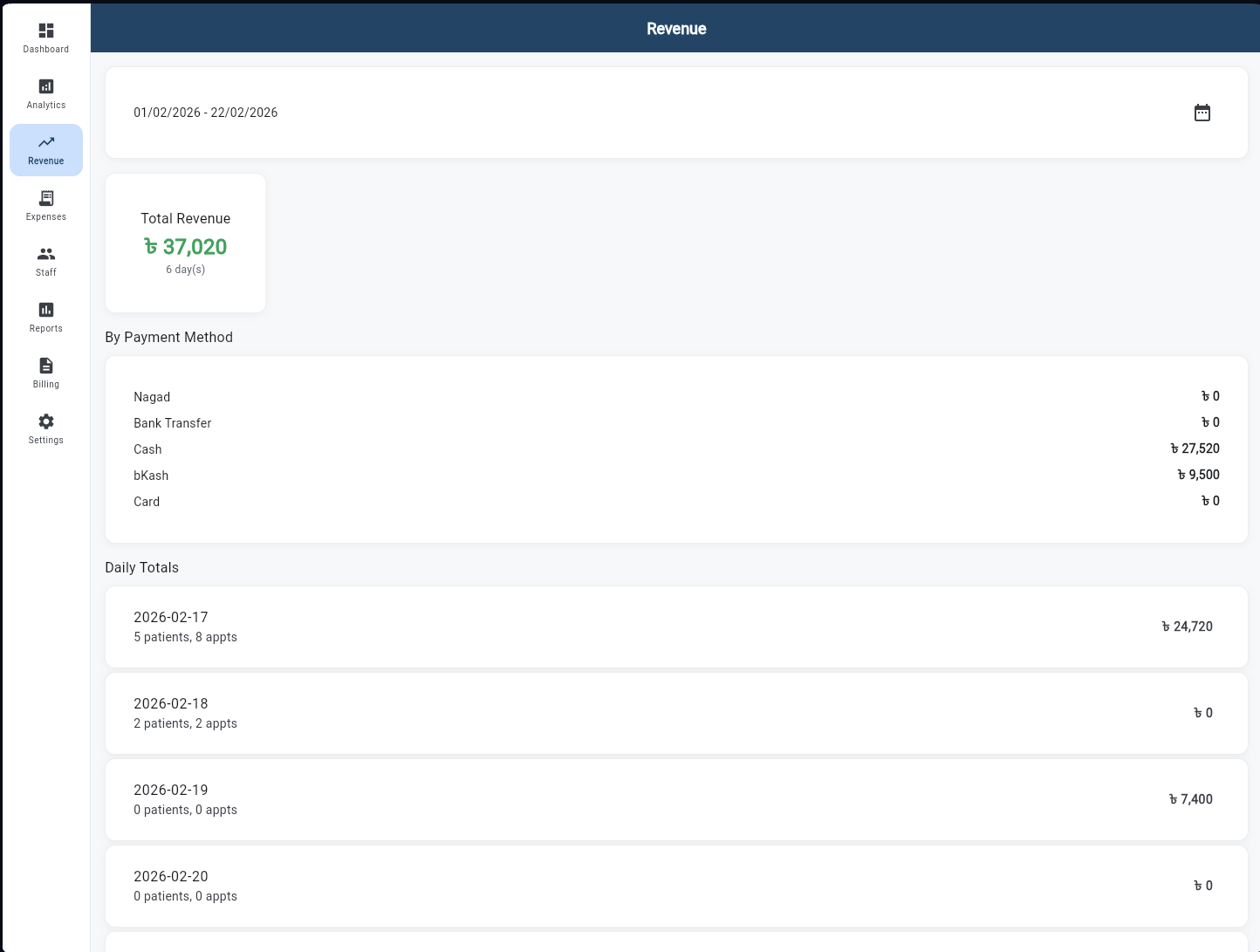
Filter revenue data by any date range to analyse performance across periods. The screen shows Total Revenue (৳37,020 in the example), a breakdown by payment method with percentage bars, and a Daily Totals table for granular review. Switch between hospitals in a multi-site setup to compare performance side by side.
Expense Management
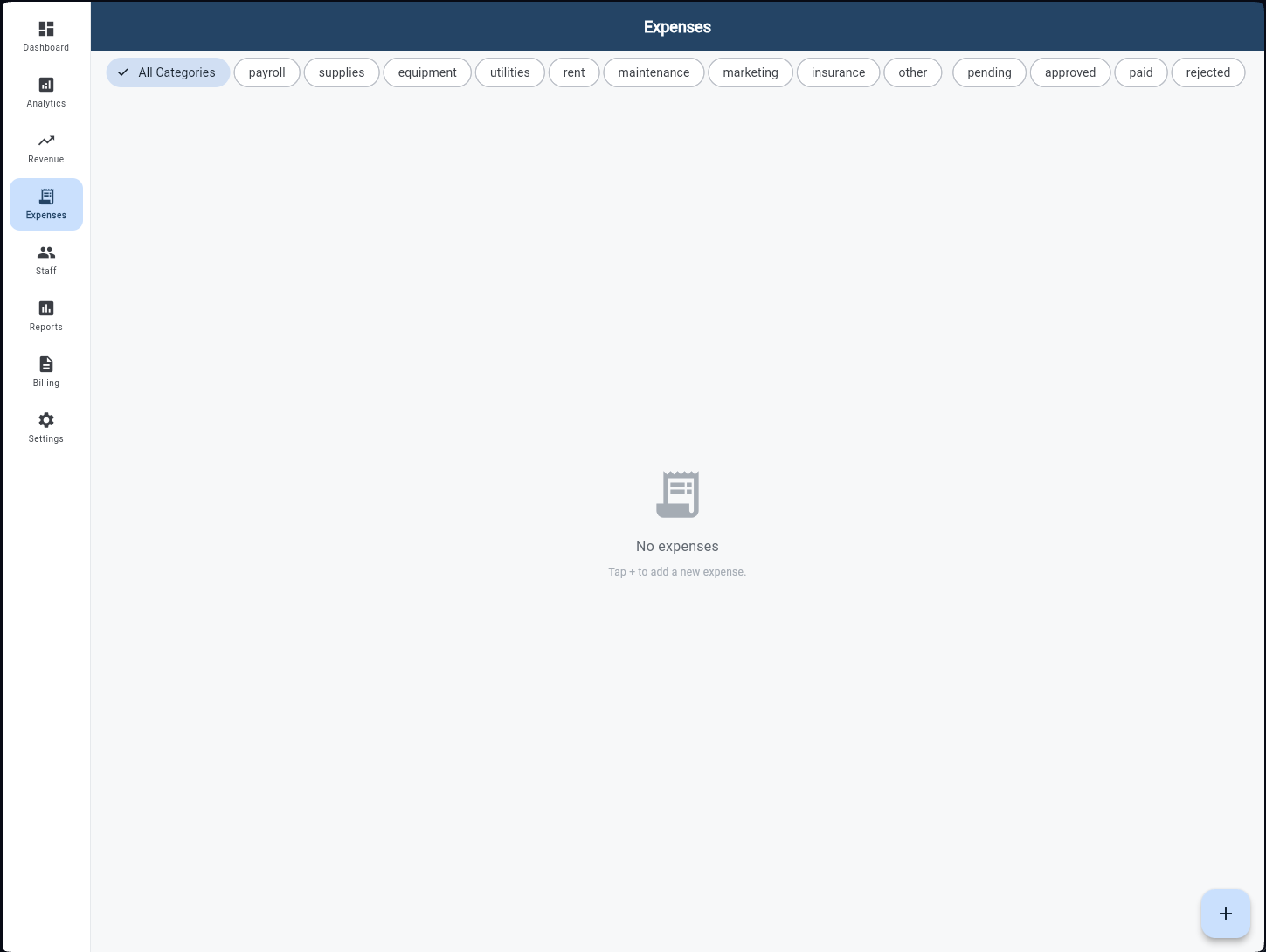
All clinic expenses in one place. Filter chips narrow the view by category — Supplies, Equipment, Utilities, Salaries, Rent, Marketing, and more. Each expense shows the amount, description, date, and approval status. The owner can approve or reject entries submitted by staff, and a total summary tracks cumulative spending for the selected period.
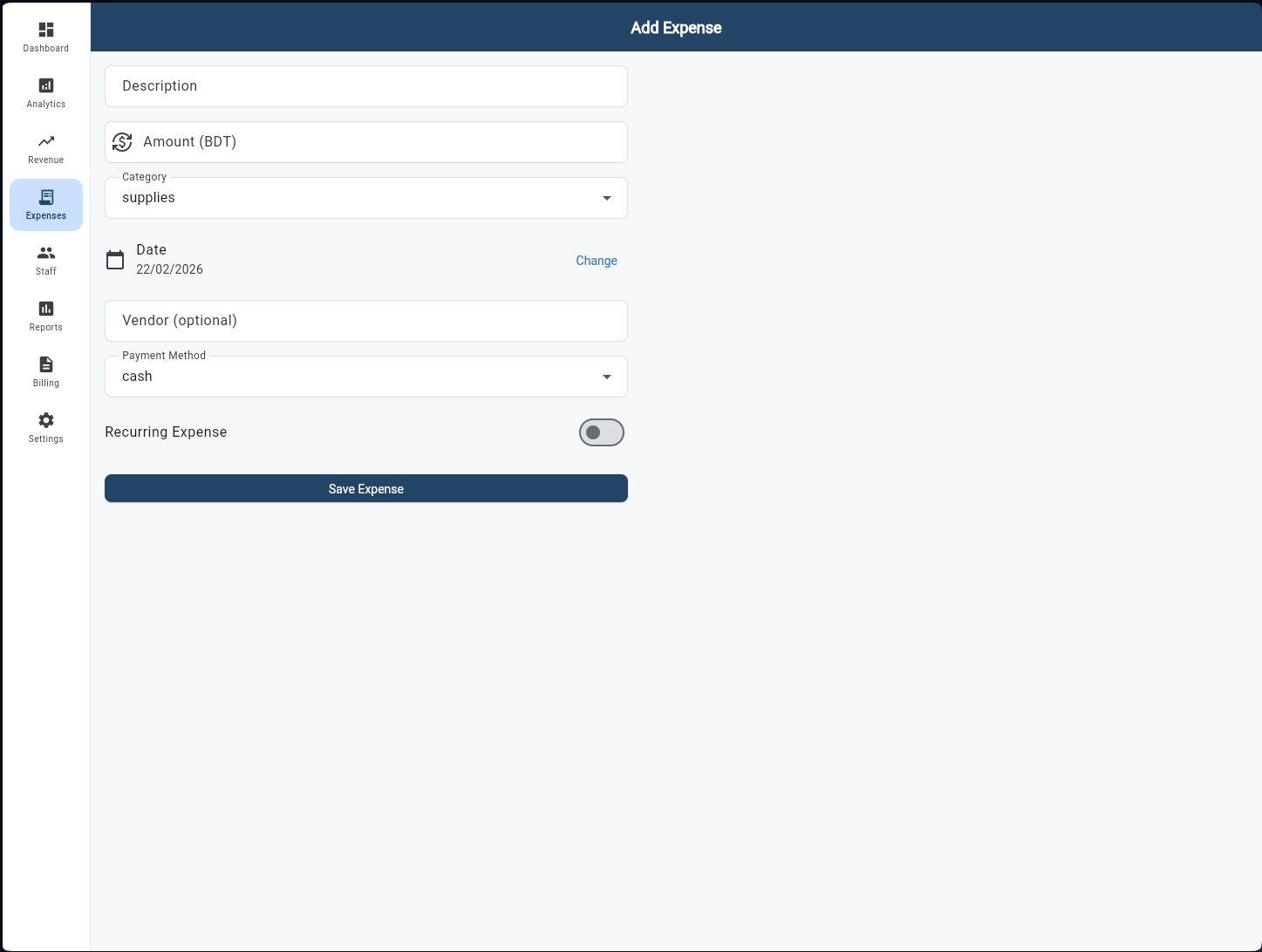
Add Expense
A clean form for logging any clinic expense. Fields include Description, Amount (BDT), Category, Date, Vendor, and Payment Method. A Recurring toggle marks expenses that repeat monthly — rent, subscriptions — so they auto-populate each period. Submit records the expense and adds it to the approval queue immediately.
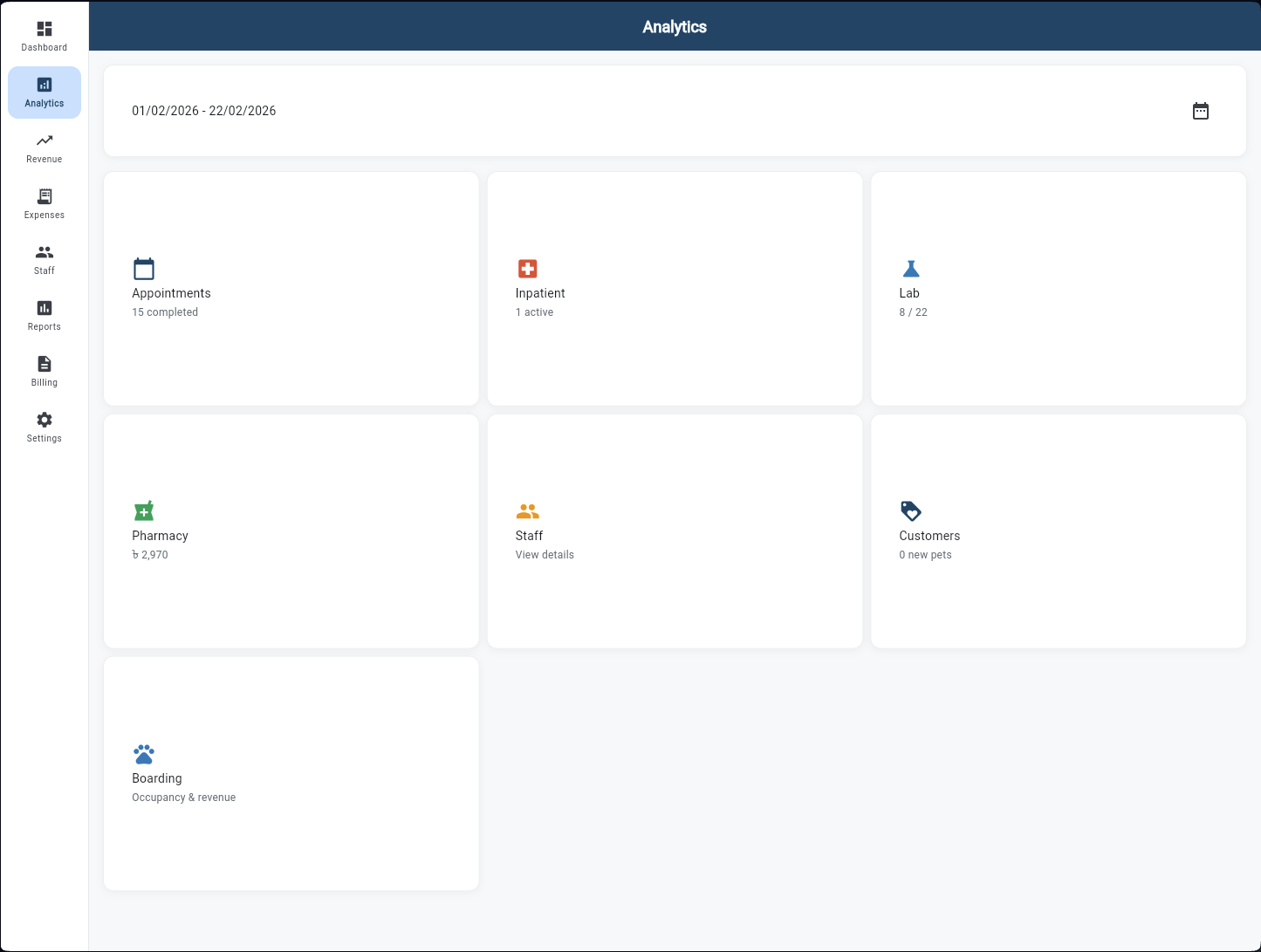
Analytics Hub
Seven deep-dive analytics screens accessible from a single hub — Appointments, Inpatient, Lab, Pharmacy, Staff, Customers, and Boarding. Each card shows a preview metric and opens its own detailed analysis screen with trend charts, breakdowns, and period comparisons. One screen for every area of the clinic's operation.
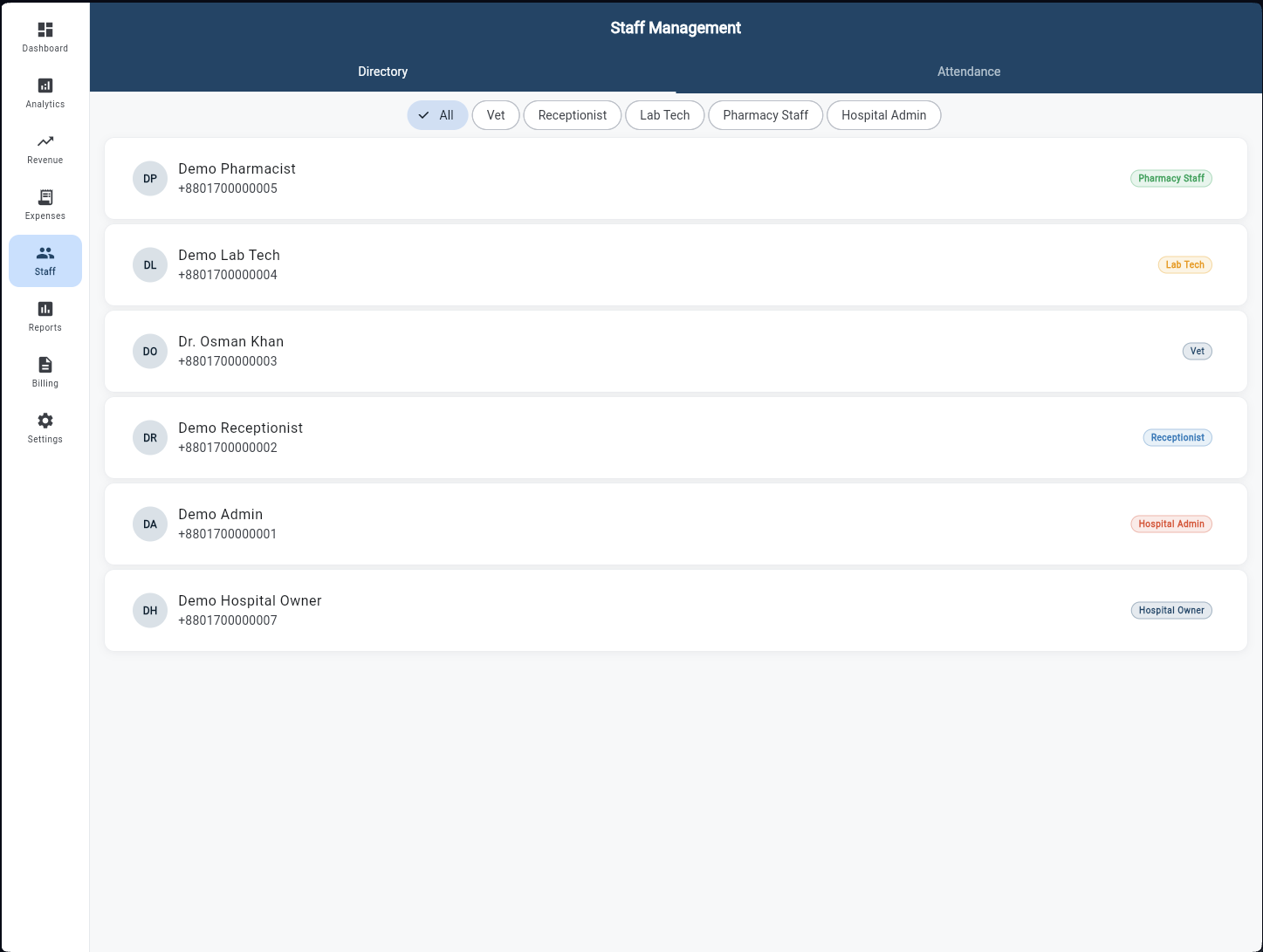
Staff Management
A full staff directory with role filter chips — All, Vet, Receptionist, Lab Tech, Pharmacy Staff. Each staff card shows the employee's name, role badge, department, and contact details. Switch to the Attendance tab to view clock-in/out records, calculate hours worked per shift, and add manual entries for off-system staff.
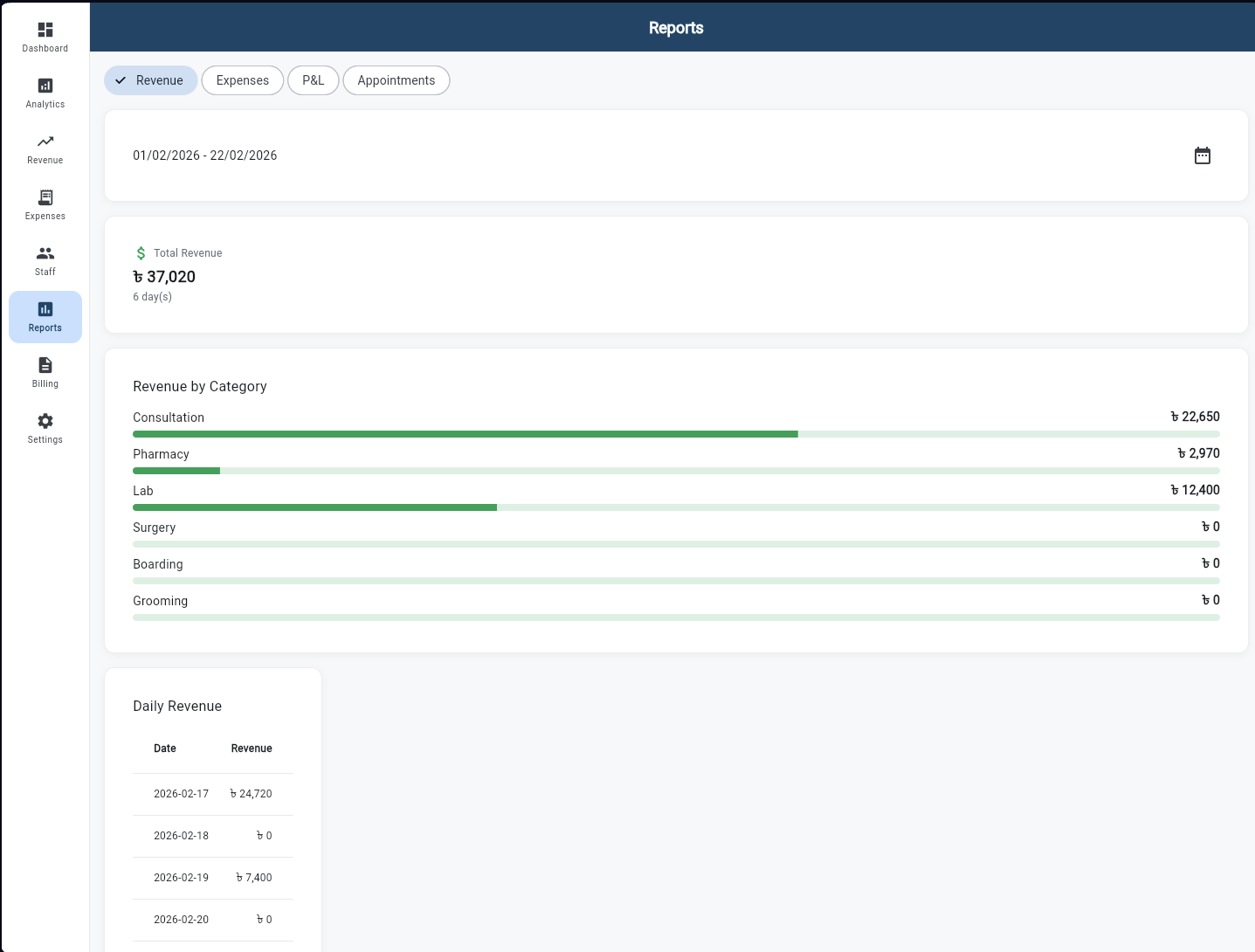
Reports
Four exportable report types: Revenue Summary, Expense Report, Profit & Loss Statement, and Appointments Summary. Select a date range, then view a Revenue by Category bar chart and a detailed Daily Revenue table. Export any report to CSV (copied to clipboard) — ready to paste into a spreadsheet or hand off to the accountant.
Settings & Profile
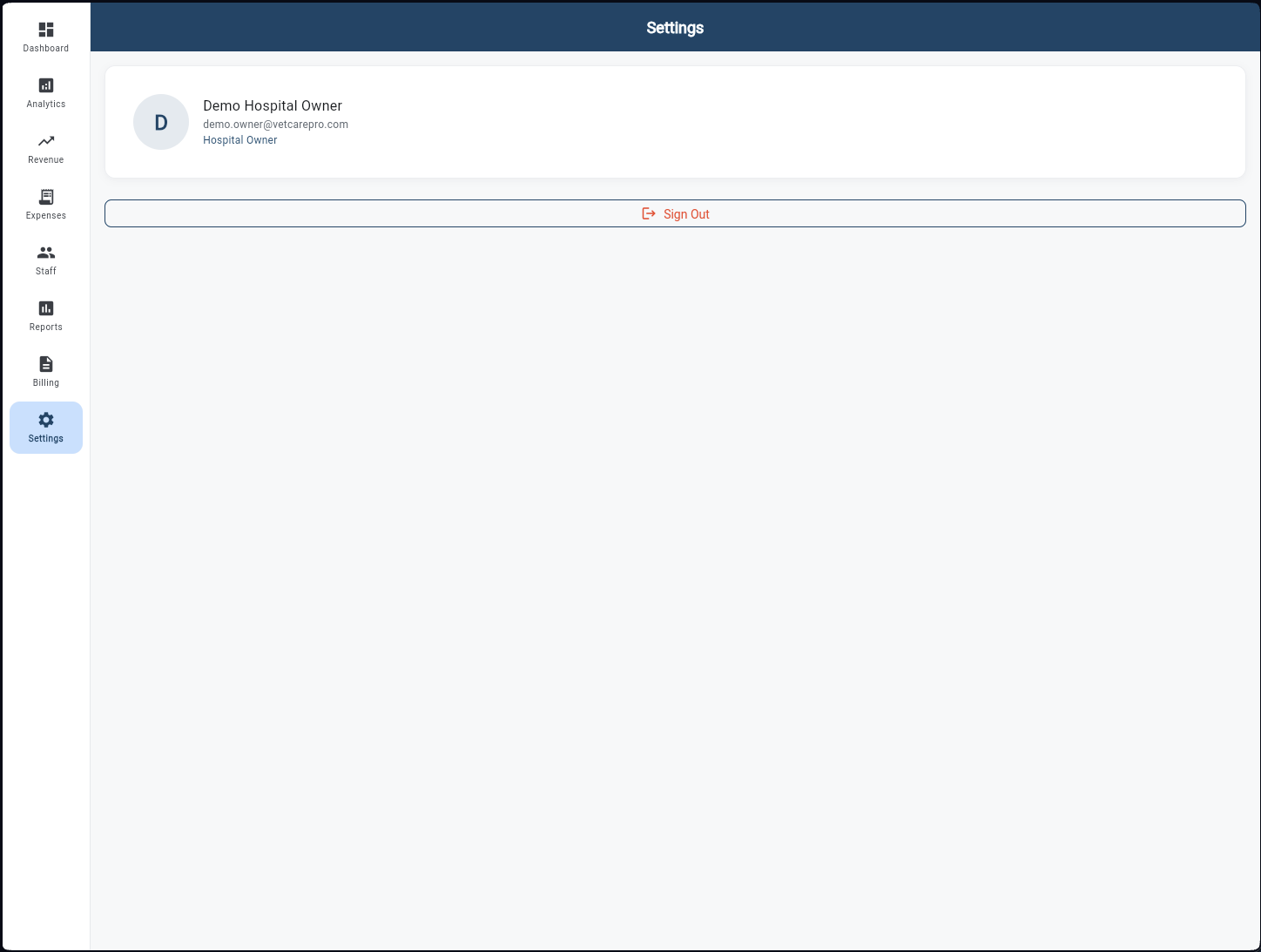
The owner's account settings screen. Displays the logged-in owner's profile card with name, email, and role. Manage hospital preferences, notification settings, and account security from here. A prominent Sign Out button closes the session safely. For multi-hospital owners, this is also where hospital switching preferences are configured.